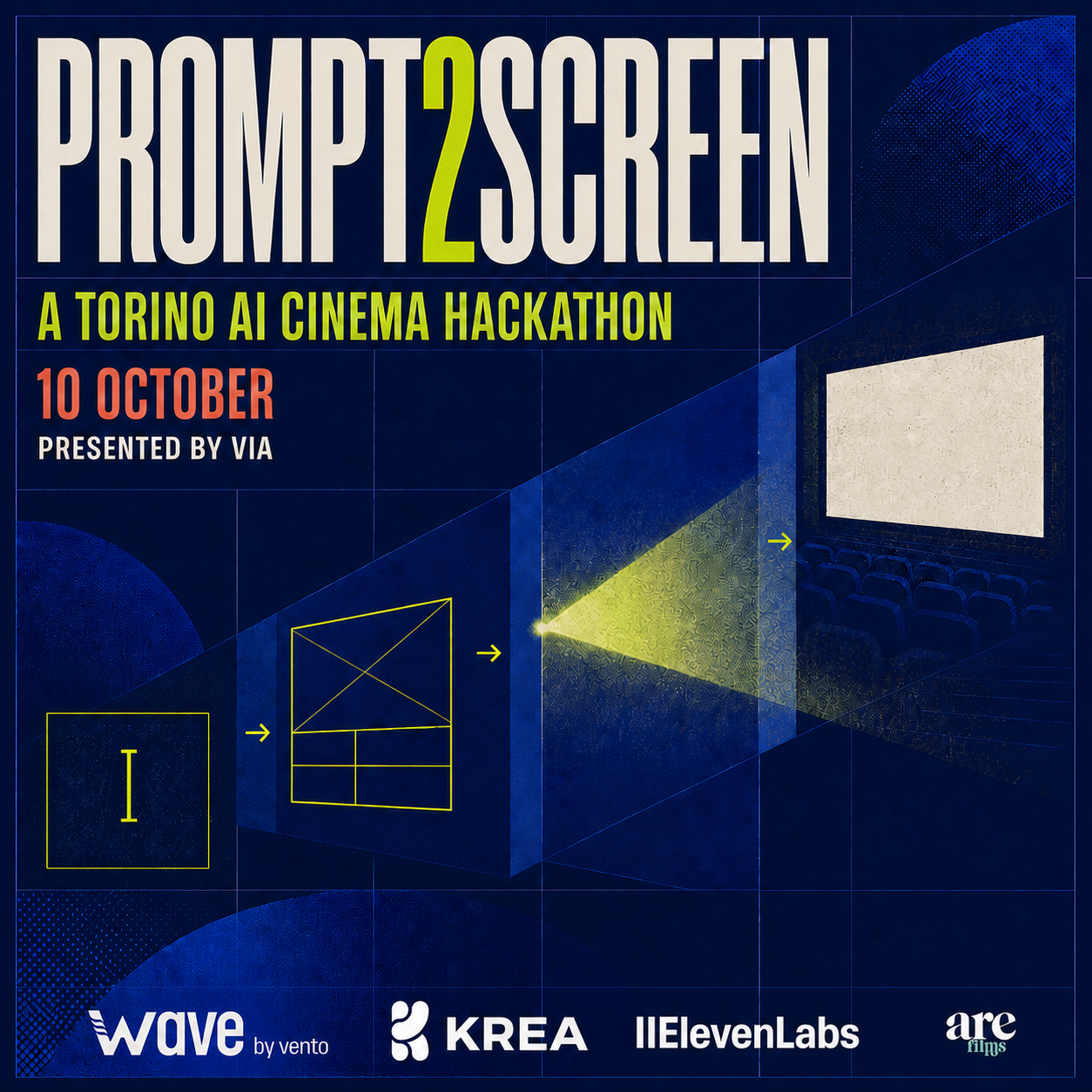
Prompt2Screen is an AI cinema hackathon by VIA in Torino on 10 October 2026. The challenge is to turn a brief into an original screen work during a single event day. The most useful preparation is a reliable creative process: know how you will develop an idea, make images, assemble a sequence and finish an export when the clock is running.
This guide offers an editorial approach to that process. The event details come from the official Prompt2Screen registration page; the production suggestions below are practical recommendations, not additional competition rules.
Choose how you want to take part
The published venue is Blox Space in Torino. The Creator Pass is free and requires approval, with a portfolio requested as part of the application. The Audience Pass is also free and gives access to the evening from 18:00 without the creator approval process. Check the registration page for current availability and any updates before making plans.
Choose the creator route if you want the pressure and focus of making something on the day. Choose the audience route if your priority is watching the work, hearing the discussion and meeting people around AI cinema. Neither route requires you to pretend that you have mastered every tool. Being clear about what you want to learn makes the experience more useful.
Prepare your workflow before you prepare your film
The categories are revealed at the event, so arrive ready to respond. Practise a tiny workflow beforehand using unrelated material: create a few images, produce a short sequence, bring it into your editor, add sound and export it. That rehearsal should reveal mundane problems such as missing fonts, a slow download folder or an export setting you have never actually tested.
Keep your working files easy to find. One folder for source material, one for selected clips, one for audio and one for exports is enough to start. Use filenames that describe the shot and version. The goal is to spend less of the day searching for the take you liked.
The event listing names Krea and ElevenLabs in the creative tool mix. Familiarise yourself with the interfaces you expect to use and check event-specific access arrangements. Treat accounts, credits and permitted use as details to verify through the organizer and relevant tool terms, rather than assumptions about every available feature.
Turn the surprise brief into one clear screen idea
Once you receive the brief, write a sentence explaining what changes for the viewer. For example, an ordinary object could gradually reveal an impossible purpose. That is a creative exercise, not a suggested event category. It gives you a beginning, a development and a payoff that you can judge without generating dozens of unrelated clips.
Next, decide which few images carry that change. An establishing image can locate the viewer; a closer detail can create a question; a final image can answer it. Sketching these beats in plain words often exposes a weak idea faster than polishing a complicated prompt.
Keep the scope adjustable. If a scene depends on a difficult action or a character remaining identical across many shots, plan a simpler alternative that still communicates the same meaning. An insert, a silhouette or a reaction can sometimes carry information more efficiently than a long continuous action.
Make the edit early enough to learn from it
Build a rough timeline as soon as you have usable material. A shot that looks remarkable alone may slow the sequence down. Another may only work when paired with sound or placed after a specific image. The edit is where those relationships become visible.
Choose what each shot needs to accomplish before making another version. Ask whether the missing element is clearer action, a better transition, more consistent light or simply a shorter duration. A specific question makes iteration purposeful.
For sound, listen to the entire sequence without watching the image. Check whether the rhythm holds, whether dialogue is understandable and whether a transition feels abrupt. Then watch once without sound. These two passes help reveal where the story relies on information the audience may not receive clearly.
Work backwards from the submission time
The published schedule lists doors at 09:00, the brief at 09:30, creation from 10:00 and submission at 17:30, followed by panels at 18:00 and awards at 19:30. Keep the official programme open for changes.
Set your own earlier finishing checkpoint. Leave enough time to export, play the complete file back and follow the actual submission instructions. Confirm any required duration, format or upload details with the organizer when they are supplied. A successful export message does not replace watching the exported film.
Arrive with a question worth carrying home
Bring a short description of what you do and one specific process question you want to discuss. It might concern directing generated performances, finding a visual language or deciding when an imperfect image still serves the story.
Prompt2Screen belongs to the wider VIA — Visual Innovation Awards programme. Our guide to the Rome, Torino and Florence season suggests ways to connect making, watching and discussion across those events. Start with the Prompt2Screen pass page, then prepare a workflow small enough to trust when your new idea arrives.
Sources & further reading
Updated 8 September 2026. Event availability and final details are maintained on the linked official event pages.
Your next scene starts here.
Join the creators and the audience at Prompt2Screen Torino.
Find your pass ↗